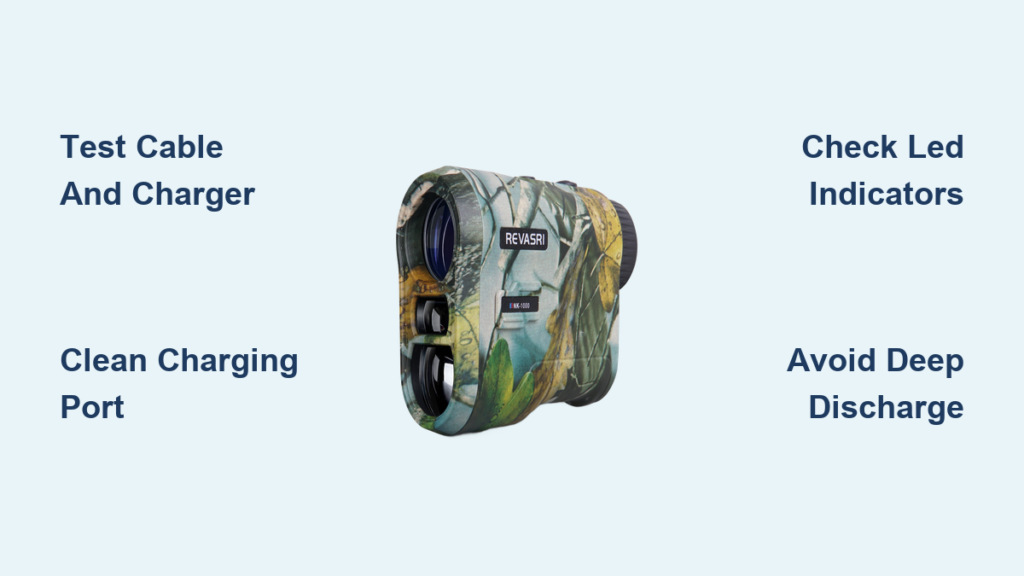
If your rangefinder dies mid-round or refuses to power on, the battery is usually the culprit. Many golfers depend on a golf range finder recharge system for reliable yardage, but rechargeable batteries can fail without warning. This guide covers the REVASRI NK-1000, a popular 1000-yard rangefinder with a built-in lithium-ion battery, slope mode, and pin-lock vibration.
You’ll learn how to diagnose charging failures, decode LED indicators, extend battery lifespan, and protect your device from environmental damage. These steps apply to most rechargeable rangefinders, so you can keep your gear powered round after round.
Rechargeable Battery Basics for Your Rangefinder
Why Built-in Lithium-ion Batteries Lose Power
The REVASRI NK-1000 runs on a built-in 3.7V lithium-ion battery designed for long-term use. However, every rechargeable battery degrades over time. Watch for these warning signs:
- Charging takes noticeably longer
- The device dies within minutes of powering on
- It won’t turn on after hours of charging
- The casing feels warm during charging
Lithium-ion cells typically handle hundreds of charge cycles before capacity drops. If your rangefinder is over a year old and used weekly, normal wear could explain the issue.
How the Charging System Functions
This model charges through a USB port using a standard 5V power source. Internal smart power management shuts the unit off after 30 seconds of inactivity, preserving battery life when you forget to power down.
There is no removable battery, so the cell stays sealed inside the housing. Most early charging problems come from external causes like cables or ports, not the battery itself.
Quick Fixes When Your Rangefinder Won’t Charge
Start With the Simplest Solutions
Before assuming the battery is dead, rule out easy fixes first.
Test Your Cable and Charger
- Swap in a known-working USB cable
- Try a different wall outlet or powered USB hub
- Stick with a 5V/1A adapter rated for small electronics
Pro Tip: Plug the rangefinder into a laptop USB port. If the computer doesn’t recognize it at all, the charging port or internal fuse may be the problem.
Inspect the Charging Port
Dust, lint, and corrosion can block the connection. Use a flashlight to look inside and gently clean with a dry toothbrush or compressed air. Never insert metal objects that could bend the pins.
Look for bent pins, loose fit, or discoloration from overheating. A damaged port usually requires professional repair rather than a DIY fix.
Decode the LED Indicator Lights

What Each Light Pattern Means
Since the NK-1000 has no screen when powered off, LED indicators are your main feedback during charging.
| Light Behavior | What It Means |
|---|---|
| Solid red | Charging in progress |
| Red switches to green | Fully charged |
| Blinking red | Connection fault or battery issue |
| No light at all | No power reaching the device |
If the light never turns on, try a different cable and outlet, then clean the port. A blinking red light often signals overheat protection. Unplug the device, wait one minute, and reconnect slowly.
Maximize Battery Lifespan Between Charges
Build Smart Usage Habits
Even a quality rechargeable battery suffers from poor charging routines. Follow these habits to extend its life.
Avoid Deep Discharge Cycles
Lithium-ion cells last longest when kept between 20% and 80% charge. Recharge after every round, even if the battery still shows power remaining.
Power Off Manually After Use
The 30-second auto shutoff helps, but pressing the power button yourself saves extra energy after your final shot.
Store Properly During Off-Season
For long-term storage over two weeks:
– Charge the battery to about 50%
– Keep the device in a cool, dry location
– Avoid leaving it in a hot car
Heat above 50°C can permanently reduce battery capacity. Cold storage is far safer than heat exposure.
Prevent Water Damage to the Charging System
Why Moisture Threatens Rechargeable Electronics
The NK-1000 is not waterproof, and moisture can sneak into the charging port or seams. Humid conditions, fog, and light rain all pose risks.
Water exposure can cause:
– Corrosion on charging contacts
– Short circuits in the power board
– Swelling of the lithium-ion cell
Important: Never charge the device while it’s damp. Wipe it completely dry first and let it air out for several hours.
Avoid using the rangefinder in rain, fog, or humidity above 80%. Even tiny airborne droplets can scatter the laser beam and reduce accuracy over time.
Troubleshoot Power Drain From Slope and Pin Lock

Could Advanced Features Be Killing Your Battery?
Slope compensation and pin-lock vibration improve accuracy but consume extra power during every scan.
Turn Off Slope When Not Needed
The NK-1000 includes a physical slope switch for tournament play. Flipping it off disables the slope sensor and reduces power draw significantly.
When slope is active:
– The angle sensor runs continuously
– Extra calculations demand more current
– Battery drains faster across 18 holes
Pin-lock vibration also adds load. The laser pulses rapidly while the haptic motor activates with each flag lock. Use these features strategically rather than leaving them on for every shot.
Clean and Maintain Your Rangefinder for Better Charging
Keep the Device Running Efficiently
A clean rangefinder charges faster and holds power longer. Dirt on the lenses forces the laser to work harder, which drains the battery.
Lens and Body Care
- Wipe lenses with a soft microfiber cloth
- Use non-ammonia lens cleaner for smudges
- Avoid touching glass with bare fingers
Try a Soft Reset for Software Glitches
Sometimes the battery sensor loses calibration and prevents proper charging. Try this reset sequence:
- Drain the battery completely by leaving the device on
- Charge uninterrupted for 3 hours
- Power on and test all functions
This recalibrates the power management system in many units.
Replace the Internal Battery (Advanced Users Only)
When Replacement Becomes Necessary
If you’ve ruled out cables, chargers, and ports, and the unit still won’t hold a charge, the internal cell may need replacement.
DIY Replacement Steps
Replacement is possible with basic tools:
– Small Phillips screwdriver
– Plastic pry tool
– Soldering iron for the battery connections
Basic process:
1. Remove screws from the back panel
2. Pry open the housing carefully
3. Locate the taped lithium-ion cell inside
4. Desolder the old battery connections
5. Solder in a new 3.7V replacement cell
6. Reassemble and test charging
Warning: Opening the device voids any active warranty. Only attempt this if your warranty has expired.
Find the Right Replacement Cell
Search for a 3.7V lithium-ion battery matching the original specs, typically in the 500 to 800mAh range. Avoid cheap knockoff cells that can swell or pose fire risks.
Compare Rechargeable vs Replaceable Battery Models

Which Power System Suits Your Game?
| Feature | Rechargeable (NK-1000) | Replaceable (NF-1500) |
|---|---|---|
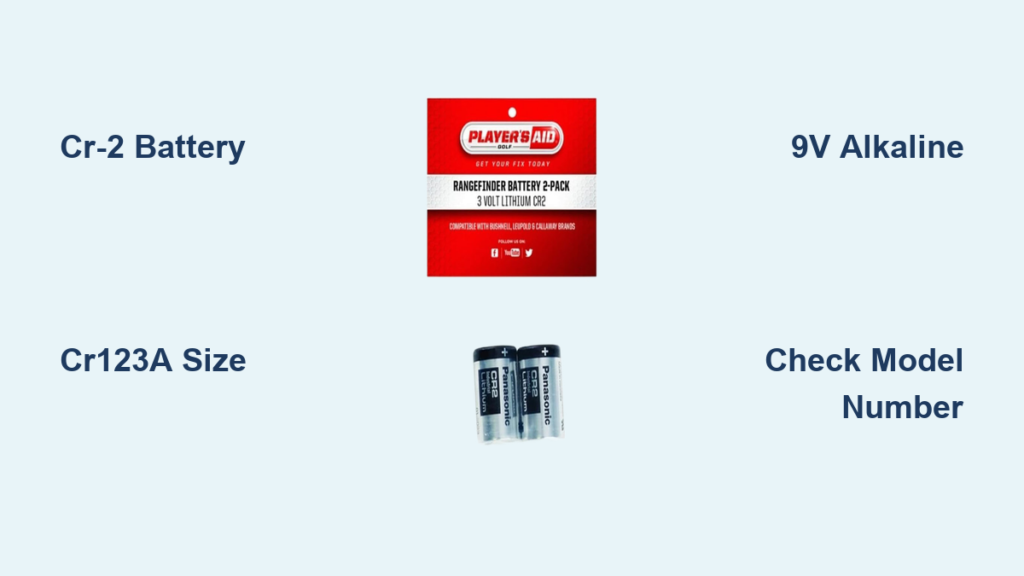
| Charging Method | USB cable | Swap CR-2 battery |
| Downtime | 2 to 3 hours per charge | Instant battery swap |
| Long-Term Cost | Lower overall | $10 to $15 per spare battery |
| Portability | Ready when charged | Requires carrying spares |
| Environmental Impact | Less battery waste | More disposable cells |
Best for frequent players: Rechargeable models save money and reduce waste over years of use.
Best for tournament players or travelers: Replaceable batteries offer zero downtime on the course.
Build a Reliable Charging Routine
Create a Post-Round Checklist
Develop a simple habit after every round:
- Wipe down the rangefinder with a dry cloth
- Plug in the charging cable
- Allow a full 2 to 3 hour charge
- Store in a protective case away from sunlight
Doing this consistently keeps your battery healthy and your device ready for the next outing. A dedicated charging spot at home or in your golf bag prevents forgotten charges.
Mistakes That Damage Rechargeable Rangefinders
Avoid These Common Errors
- Using phone fast chargers that exceed the 5V rating
- Leaving the device in a hot car after a round
- Charging overnight despite full protection circuits
- Ignoring blinking red lights that signal early warning signs
Smart Habits for Avid Golfers
- Carry a portable power bank for on-course top-ups
- Label your charging cable to ensure proper use
- Switch to non-slope mode during practice rounds
- Register your product to activate warranty coverage
Frequently Asked Questions About Golf Range Finder Recharge
How long does it take to fully charge a REVASRI NK-1000?
A full charge typically takes 2 to 3 hours using a standard 5V/1A USB adapter. The LED turns from red to green when charging completes.
Why won’t my rangefinder turn on even after charging?
Start by testing a different cable and outlet. If the LED never lights up, clean the charging port with compressed air. Persistent failure may indicate a damaged port or dead battery cell.
Can I use a phone fast charger to recharge my rangefinder?
No. Fast chargers often exceed the 5V rating your rangefinder requires. Overvoltage can damage the internal charging circuit and shorten battery life.
Is the REVASRI NK-1000 waterproof?
No. The device is not waterproof, and moisture can damage the charging port and internal electronics. Avoid using it in rain, fog, or humidity above 80%.
How many charge cycles will the battery last?
Most lithium-ion cells in rangefinders handle 300 to 500 full charge cycles before noticeable capacity loss. With proper care, expect 2 to 3 years of regular use.
What does a blinking red light mean during charging?
A blinking red light usually signals a connection fault or overheat protection. Unplug the device, wait one minute, and reconnect. Persistent blinking may indicate a deeper battery issue.
Key Takeaways for Golf Range Finder Recharge Success
A healthy rechargeable battery keeps your rangefinder ready for every shot. Start by testing cables and cleaning the charging port before assuming the battery is dead. Match your habits to lithium-ion best practices: avoid deep discharges, store at moderate temperatures, and never charge a damp device.
For long-term reliability, build a post-round charging routine and keep the lenses clean. If problems persist after troubleshooting, consider a professional battery replacement once your warranty expires. Start with a quick cable swap today, and your rangefinder will stay powered for every round ahead.