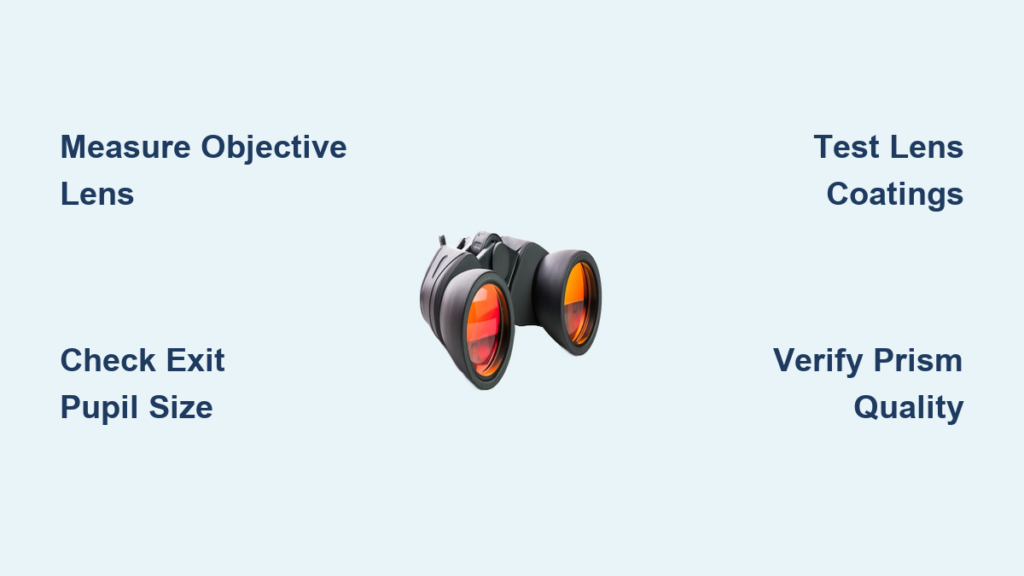
You’re standing on the fairway, eyeing the green 150 yards away—but is it really 150? Without precise measurement, you’re guessing, and in golf, guessing is the enemy of consistency. Enter the golf rangefinder monocular, a compact, laser-powered tool that delivers exact distances in seconds. Unlike GPS devices that rely on preloaded maps, a laser rangefinder measures any visible target with ±1-yard accuracy, making it the preferred choice for golfers who demand control over every shot.
But simply owning a rangefinder isn’t enough. To unlock its full potential, you need to know how to aim, stabilize, interpret, and apply its readings strategically. This guide walks you through every step—from initial setup to advanced course management—so you can use your golf rangefinder monocular like a pro. Whether you’re new to laser technology or refining your technique, this is your complete playbook for mastering precision on the course.
Set Up Your Device for Optimal Performance
Before stepping onto the first tee, ensure your rangefinder is configured for accuracy and compliance.
Choose the Right Distance Unit: Yards or Meters
Most rangefinders allow you to switch between yards (standard in the U.S.) and meters (used internationally).
– Press and hold the mode or power button to access settings.
– Navigate to “Unit” and select your preference.
– Confirm and exit—the display will now show all distances in your chosen unit.
✅ Pro Tip: If playing abroad or on a metric course, double-check this setting before your round. A misconfigured unit can lead to disastrous club selection.
Disable Slope Mode for Tournament Compliance
Slope mode adjusts yardage based on elevation—increasing distance for uphill shots and decreasing it for downhill ones. While useful for practice, slope-adjusted readings are illegal in competition under USGA Rule 4.3a.
– Locate the slope toggle, either a physical switch or digital menu option.
– Turn it off before any tournament play.
– Some models, like the Bushnell Tour X, have a dedicated “Competition Mode” that disables slope automatically.
⚠️ Warning: Using slope in stroke play can result in disqualification. Always verify it’s disabled.
Adjust the Diopter for Crystal-Clear Vision
The diopter ring near the eyepiece fine-tunes the focus to match your eyesight.
– Aim at a distant flagstick or tree line.
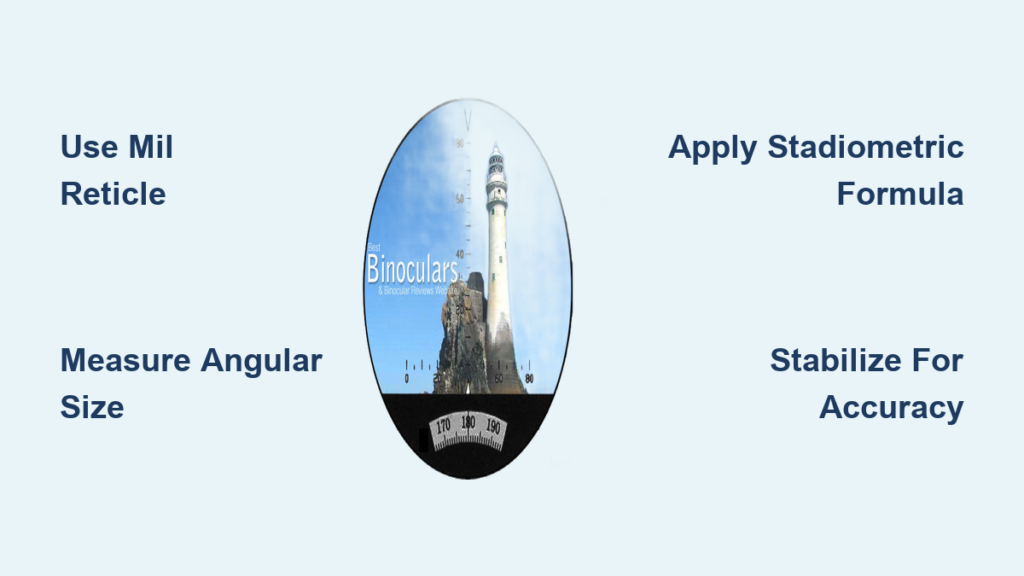
– Rotate the ring slowly until the reticle (crosshairs) and numbers appear sharp and clear.
– Once set, avoid readjusting unless sharing the device.
🔍 Visual Cue: A properly focused reticle looks etched into the image—not floating or blurry. This ensures faster, more accurate targeting.
Stabilize and Aim for Consistent Lock-On

Even the most advanced rangefinder fails if your hands shake or your aim wavers. Stability is the key to fast, reliable measurements.
Use Both Hands to Minimize Movement
Hold the rangefinder with your dominant hand, then support it from below with your non-dominant hand. Keep your elbows tucked into your chest for maximum stability.
– This two-handed grip reduces hand tremors.
– Prevents sway caused by one-handed use or poor posture.
🕒 Time Estimate: Proper stabilization cuts lock time from over 3 seconds to under 1.
Brace Against Your Body or Equipment
For even greater steadiness:
– Rest your elbows on your hips or golf bag.
– Lean slightly forward with knees bent—adopting a sniper-like stance.
– Avoid ranging while walking or standing on uneven ground.
❌ Common Mistake: Holding the rangefinder one-handed while gripping a club. This introduces unnecessary movement and delays lock.
Use Zoom to Target Precisely
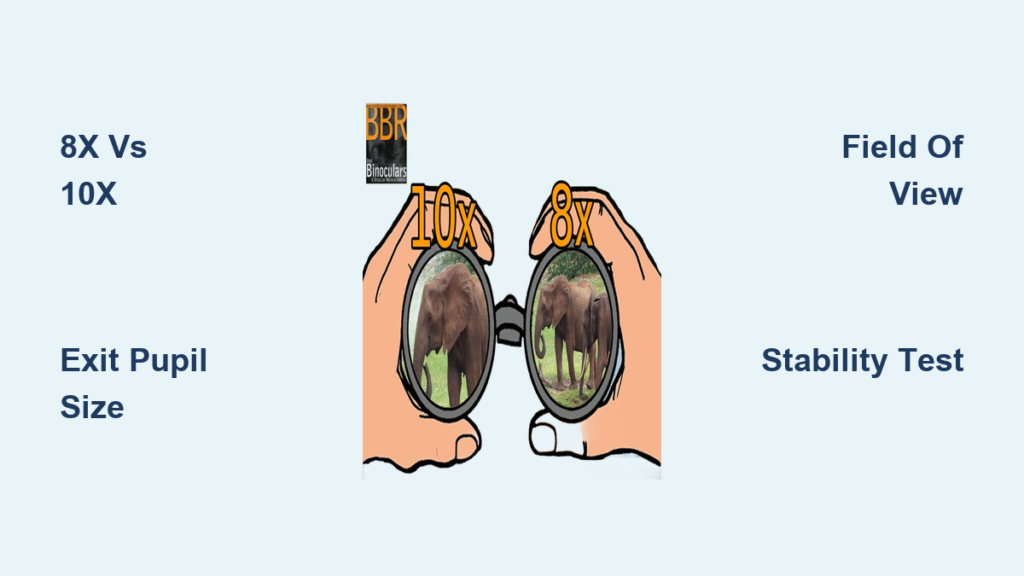
Most monoculars offer 6x to 7x magnification, allowing you to zero in on small targets.
– Use zoom to identify pin placement—front, middle, or back of the green.
– Center the crosshairs on a defined point, such as the flagpole base or top.
✅ Best Target: Reflective flagstick tops lock fastest due to strong laser return. If your course uses reflective pins, aim directly at the top.
Take Accurate Measurements: Step-by-Step Process
Follow this sequence for consistent, reliable readings every time.
Press and Hold the Trigger
Locate the measurement button (usually on the side or top).
– Press and hold—don’t tap.
– The laser activates immediately, scanning for a return signal.
🔊 Feedback Types:
– Vibration pulse (tactile)
– Beep (auditory)
– Number stabilization (visual)
Wait for one of these signals—don’t release the button until you get confirmation.
Pan Slightly to Help the Laser Lock
If the target isn’t locking:
– Gently rock the rangefinder up/down or left/right by a few degrees.
– This helps the beam “find” the target, especially in cluttered backgrounds like trees behind the green.
✅ Success Signal: The distance number stops fluctuating and locks in place.
Read and Interpret the Final Distance
Once locked:
– The display shows the exact yardage to your target.
– Check whether slope mode is active (if applicable).
– Note any secondary data like battery level or mode indicator.
🎯 Example: You see “147 yds”—that’s your distance to the flag. Choose the club that carries 147, not the assumed 150.
Use Smart Targeting Strategies for Better Course Management

Top players don’t just range the pin—they use the rangefinder for strategic decision-making.
Measure to the Front Edge of the Green
Instead of always ranging the flag:
– Aim at the front edge (e.g., 132 yards).
– If the pin is at 148 yards, you have 16 yards of green margin.
– Reduces risk of overshooting fast or sloped greens.
💡 Why It Works: Even a slightly weak strike lands safely on the putting surface.
Range Bunker Lips, Not the Center
Hazards require clearance, not center hits.
– Measure to the lip (e.g., 163 yards).
– Select a club that carries 168+ yards to ensure clean overflight.
✅ Rule of Thumb: Add 5–6 yards to hazard distances for safety.
Scan Front, Pin, and Back of Green
Use scan mode to gather full green depth:
– Press and hold trigger while panning from front to back.
– Record:
– Front edge: 142 yards
– Pin: 158 yards
– Back edge: 174 yards
– Now you know there’s 32 yards of green depth and can plan accordingly.
🧠 Strategic Insight: If the pin is near the back, even an aggressive miss won’t run off.
Measure Backward to Check Drive Distance
After your tee shot:
– Pick a fixed point behind you (tee box, cart path sign).
– Turn around and range backward to that spot.
– If it reads 312 yards, your drive traveled 312 yards.
📊 Value: Reveals true carry + roll, especially useful on firm, dry fairways.
Leverage Advanced Features Without Breaking Rules
Modern rangefinders come packed with smart tech—learn how to use it without violating competition rules.
Use Slope Mode for Practice Only
Slope calculates playing distance based on incline:
– 156-yard uphill shot → adjusted to 172 yards
– 156-yard downhill shot → adjusted to 140 yards
🛠️ Best Use: Build a personal yardage chart during practice rounds.
❌ Never use in tournaments—must be disabled per USGA policy.
Activate Rain/Fog Mode in Poor Conditions
When mist or humidity scatters the laser:
– Switch to Rain or Fog mode (found in menus).
– The device uses longer pulse duration to penetrate particles.
– Accuracy may drop slightly, but lock success improves.
🌫️ Visual Cue: Works best when targets are partially obscured but still visible.
Enable Pin Lock or Flag Priority
High-end models (e.g., ZidAR Pro, MyC Golf) feature flag-detection algorithms:
– Laser prioritizes reflective flagstick tops.
– Locks instantly, ignoring trees or buildings behind.
– Confirmed by vibration or beep.
✅ Result: Faster, more reliable targeting—especially on crowded greens.
Build Your Personal Yardage Chart
A rangefinder is only as good as your knowledge of your actual distances.
Test Carry Distance at the Range
Don’t guess how far you hit each club.
– Go to the driving range with your rangefinder.
– Hit 10 balls with one club (e.g., 8-iron).
– Measure carry distance (from stance to first bounce).
– Average the results.
📈 Example: Your 8-iron averages 134 yards carry, not the 150 you thought.
Create a Swing-Intensity System
Instead of full swings only, learn partial shots:
– Swing 10: Full power, maximum distance
– Swing 8: Three-quarter, controlled trajectory
– Swing 5: Half swing, soft landing
Use rangefinder feedback to calibrate feel with real numbers.
🎯 Benefit: You’ll have precise yardages for any situation, not just full shots.
Maintain Your Rangefinder for Longevity

A well-maintained device lasts years. Neglect invites failure when you need it most.
Clean Lens and Emission Port Regularly
After each round:
– Wipe the eyepiece and front sensor with a microfiber cloth.
– For smudges, lightly dampen the cloth with lens cleaner—never spray directly.
– Avoid fingerprints, dirt, or moisture buildup.
❌ Never Use: Paper towels, shirt sleeves, or abrasive cleaners.
Replace Batteries Proactively
Most rangefinders use CR2 or AAA batteries.
– Change them before they die completely to prevent data loss.
– Store spare batteries in a cool, dry place.
– Remove batteries during long-term storage to prevent corrosion.
🔋 Tip: Many units warn of low power with a battery icon—don’t ignore it.
Store in a Protective Case
Always keep your rangefinder in a hard-shell case when not in use.
– Prevents scratches and impact damage.
– Include a silica gel packet to absorb moisture.
– Avoid leaving it in hot cars or freezing conditions.
❄️🔥 Risk: Extreme temperatures can fog lenses or damage internal circuitry.
Use It Fast Without Slowing Play
A rangefinder should save time—not cost strokes in pace of play.
Practice for Speed
Train at the range until operation becomes instinctive:
– Turn on → aim → press → read → stow in under 10 seconds.
– Use muscle memory, not hesitation.
🚀 Goal: Be ready before it’s your turn to hit.
Keep It Accessible
Use a magnetic clip or belt holster (e.g., Red Tiger, Bushnell Speedgolf).
– Draw and deploy in one smooth motion.
– No fumbling in pockets or bags.
Follow Etiquette Rules
Respect your group:
– Only range when it’s your turn.
– Don’t use during others’ swings—it’s distracting.
– Have your number ready when it’s time to hit.
🕐 Pace Impact: A well-practiced user adds zero delay to the round.
Stay Rule-Compliant in Competition
Know what’s allowed—and what gets you disqualified.
Confirm Slope Is Disabled
Before any tournament:
– Double-check that slope mode is off.
– Some models require a hidden button combo to disable fully.
– Refer to your manual if unsure.
📜 USGA Rule 4.3a: Devices that gauge elevation changes are prohibited unless the function is inoperative.
Verify Device Approval
Not all rangefinders are legal.
– Look for “Tournament Legal” or “Slope Off” certification.
– Approved models include:
– Bushnell Tour V4
– Vortex Pro Rangefinder
– ZidAR Pro (with slope disabled)
✅ Final Check: Pre-round ritual should include:
– Battery charge
– Clean lens
– Correct unit (yards/meters)
– Slope mode OFF
Think Like a Pro: Use It Strategically
The best golfers treat the rangefinder as a decision engine, not just a number generator.
Measure Hidden Hazards
On blind shots:
– Range the near edge of water (e.g., 144 yards).
– Range the far edge (e.g., 162 yards).
– You must carry 162+ yards to clear safely.
🧩 Add Margin: Pick a club that carries 170 yards to eliminate doubt.
Evaluate Tee Shot Landing Zones
On dogleg holes:
– Measure to the corner of the fairway (e.g., 284 yards).
– Assess width and lie from your position.
– Decide: Go for it or lay up?
🎯 Smart Play: Target the widest part (e.g., 225 yards) for maximum forgiveness.
Use Backdrop Behind the Green
Range both:
– Pin: 198 yards
– Hill behind: 234 yards
– Now you know there’s 36 yards of runoff space.
🛑 Avoid: Hitting blind shots long when there’s no room to spare.
The golf rangefinder monocular is more than a gadget—it’s a strategic advantage. When used correctly, it eliminates guesswork, sharpens club selection, and builds confidence. But its power lies not in the laser, but in how you use the data. Aim smart, measure often, and play with purpose. With practice, your rangefinder becomes a silent partner in every lower score you shoot.